Website Migration Checklist · Free Tactical Guide
From “Migration Anxiety” to Zero‑Downtime Pro
Get the WP Migration Fail‑Safe SOP—a 7‑page, high‑utility battle plan that walks you step‑by‑step through a manual WordPress migration when plugins fail, so you move any site without losing data, SEO or sleep.
- Exact pre‑migration checklist to avoid downtime and broken links
- Copy‑paste email templates for hosting, DNS and stakeholder comms
- Fail‑safe rollback plan if anything goes sideways during the move
Perfect for: WordPress solopreneurs, freelance implementers and small agencies who can’t afford a botched migration.
Takes 9 seconds. No spam, ever.
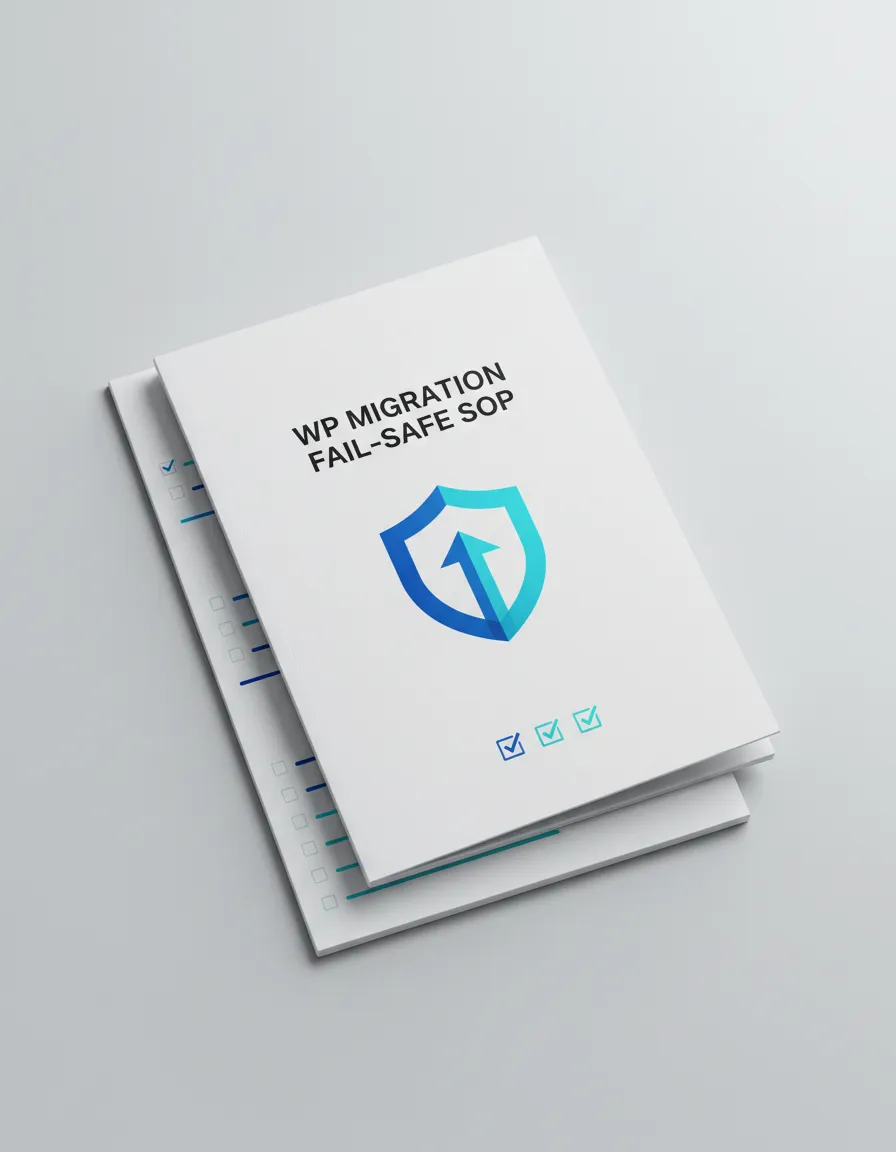
Free 7‑page PDF
WP Migration Fail‑Safe SOP
Drop in your email below and I’ll send you the exact checklist I use before migrating any client site.
You’ll also get occasional micro‑tutorials on painless WordPress maintenance. Unsubscribe in one click.
Trusted by scrappy solopreneurs and small teams shipping real client sites





What’s inside
A battle‑tested SOP for when migration plugins tap out
Most WordPress solopreneurs cross their fingers and hope their favorite migration plugin doesn’t break on launch day. This checklist gives you a calm, systematic way to move sites manually—so you stay in control even when tools misbehave.
- A pre‑flight check that flushes out hidden time‑bombs in your current host
- A precise order of operations for database, files, DNS and SSL—no guesswork
- How to protect your rankings with SEO‑safe redirects and URL mapping
- The one‑pager you can show clients to prove you’ve thought of everything
You’ll walk away able to:
- Plan and execute migrations during low‑traffic windows without panic
- Confidently say “yes” to bigger client sites and more complex stacks
- Charge more because your process is documented, repeatable and de‑risked
If your next migration is already penciled into your calendar, grab this now and run your plan against it before you touch anything live.
Meet your migration safety net
I help WordPress solopreneurs ship migrations they’re proud of
After watching too many talented implementers lose weekends (and rankings) to botched migrations, I started documenting every successful move—what worked, what failed, and what I wish I’d checked earlier. The result is this fail‑safe SOP.
Use it as a standalone checklist, plug it into your client onboarding, or adapt it into your own internal runbook. Either way, you’ll never go into a migration blind again.
Make your next migration a non‑event
Grab the Website Migration Checklist now and run your upcoming move against a proven, zero‑downtime process.
Instant email delivery · Skimmable in under 15 minutes
Questions, answered
Is this checklist right for my next migration?
Short answer: if you own or manage a WordPress site and feel even a little nervous about touching DNS, databases or file moves, this was written for you.
Do I need to be a developer to use this?
No. The checklist is written for technical solopreneurs, implementers and small‑agency owners who can follow clear instructions, not necessarily write code. Where more advanced steps are optional (like WP‑CLI), they’re labeled as such and you’ll always have a non‑CLI path.
Will this work if I’m using a migration plugin?
Yes. In fact, there’s a section on how to run your favorite plugin inside a safer process: what to back up beforehand, how to verify nothing broke afterwards, and what to do when the plugin chokes mid‑migration. You can think of this as your parachute when the shiny tools misbehave.
What if my site isn’t on WordPress?
The specific examples are WordPress‑focused (database, wp‑content, search‑and‑replace, etc.), but about 70% of the thinking—planning, backups, DNS strategy, rollback—applies to most CMS moves. If WordPress is your main stack, you’ll get the most value.
How is this different from random blog posts about migrations?
Blog posts often show one narrow scenario on one specific host. This SOP was shaped across many client sites, hosts and edge cases, and is structured as a start‑to‑finish runbook you can literally check off while you work—not just skim and forget.
Can I use this with client projects?
Absolutely. You can integrate the checklist into your internal workflows, add your branding on top, and even turn parts of it into your client‑facing "migration plan" deliverable. The only thing I ask is that you don’t resell the PDF as‑is.